Cyber Monday 20% off your first payment on Creator, Pro and Studio · up to 47% less than monthly in your first year Ends in   See plans
Pricing For business

AI video assistant: Say what you want.
Make it together.

Describe a video, a picture, a voiceover or a whole film in your own words. The GenKite assistant picks the right tool and model, asks what it needs and makes it with you. Nothing is spent until you approve the price.

  • Every tool in the studio
  • You approve every price
  • Replies in your language

A conversation with the assistant: a request, three models to choose from, the price to approve, then the finished video

What you can ask for

One conversation, every tool in the studio

Ask the way you would ask a person. The assistant works out which tool does the job, so you never have to find the right page first.

A hummingbird hovering at a red flower, in slow motion

Made with Wan 3.0

A cosy bookshop at night, seen through the window

Made with Nano Banana 2.1

A luxury film of my perfume bottle on black glass

Made with Seedance 2.0

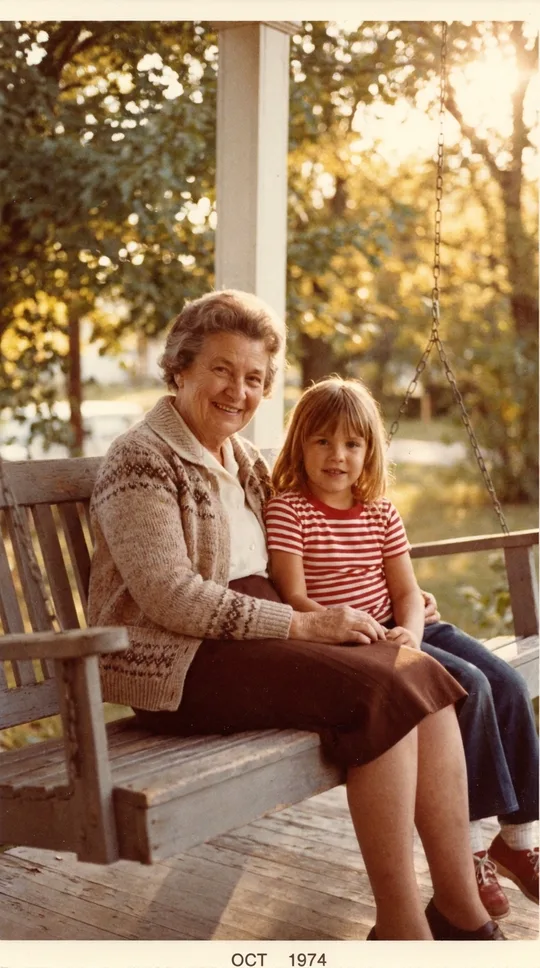
Bring this old photo of Grandma to life

A travel vlogger talking to the camera on a ferry

Made with Kling 4

Remove the background from my photo

Record a warm 20-second voiceover for my bakery, with soft music under it

And also: Lip syncSwap a personUpscaleSound effectsProduct shootsFilmsExtend a clip

The right model

It recommends the best model, and you choose

The assistant knows what each model is good at, what it costs and how reliably it runs. It suggests the one that fits your request and offers others with their prices as buttons. Whenever it asks you something, you can answer with one tap.

  • Kling, Seedance, MiniMax, Wan, Nano Banana, Seedream, GPT Image, Flux and more
  • The price of every option before you pick it
  • Not sure? Ask for the same prompt on two models, on one card

A barista pours steamed milk into an espresso and draws a leaf

Here are three models that suit a close-up like this. Tap one to see its take.

Made with Seedance 2.5Made with Kling 4Made with MiniMax H3

Your own files

Use your photos, clips and voices by name

Attach photos, clips and audio, paste them or drop them on the page, or pick from your earlier uploads, results and saved characters. Each one gets a short name like @photo1 that you can type.

  • Used as references, start or end frames, or a voice to follow
  • People and products stay the same from one result to the next
  • The approval card shows every file and what it is used for
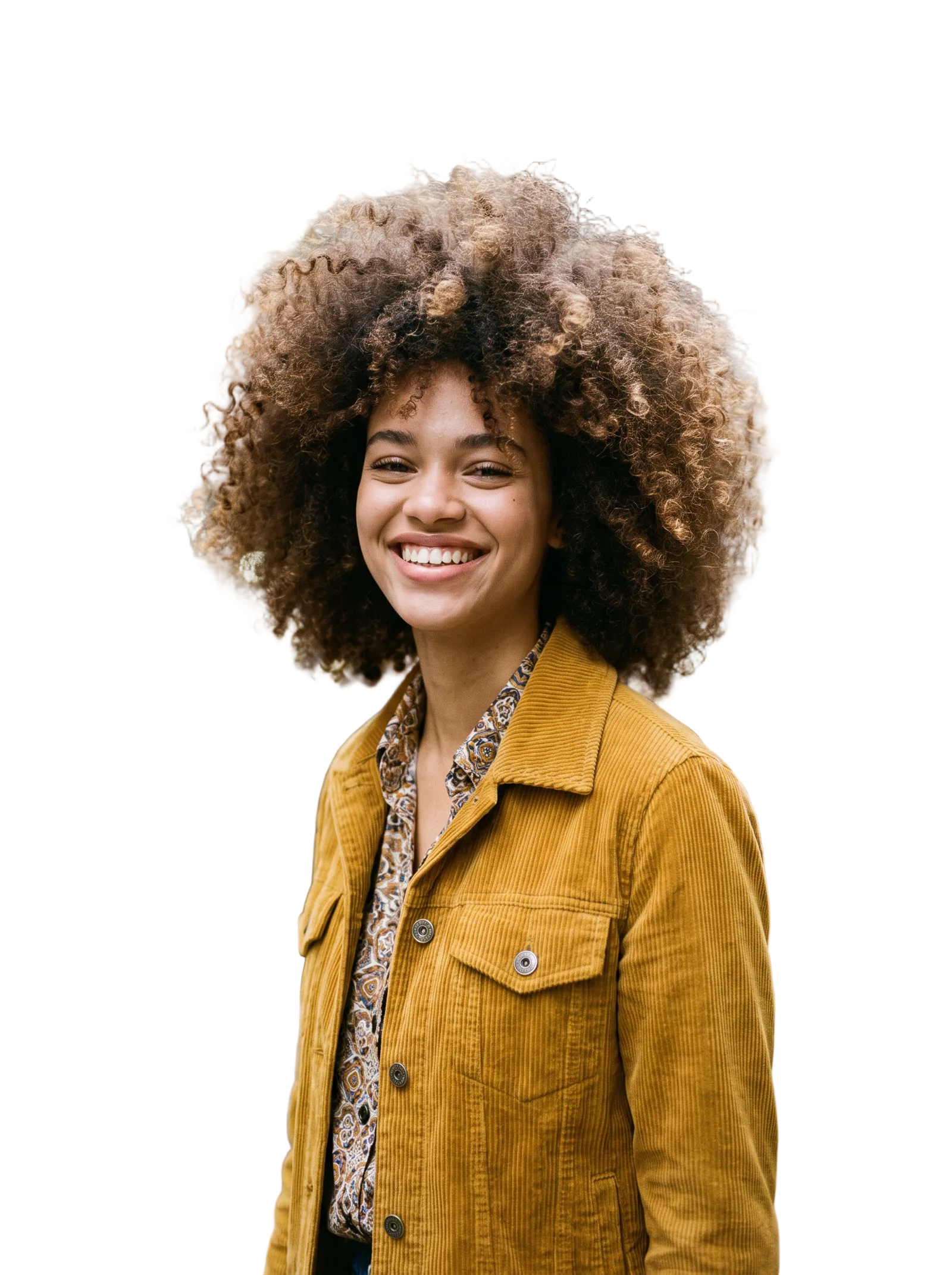
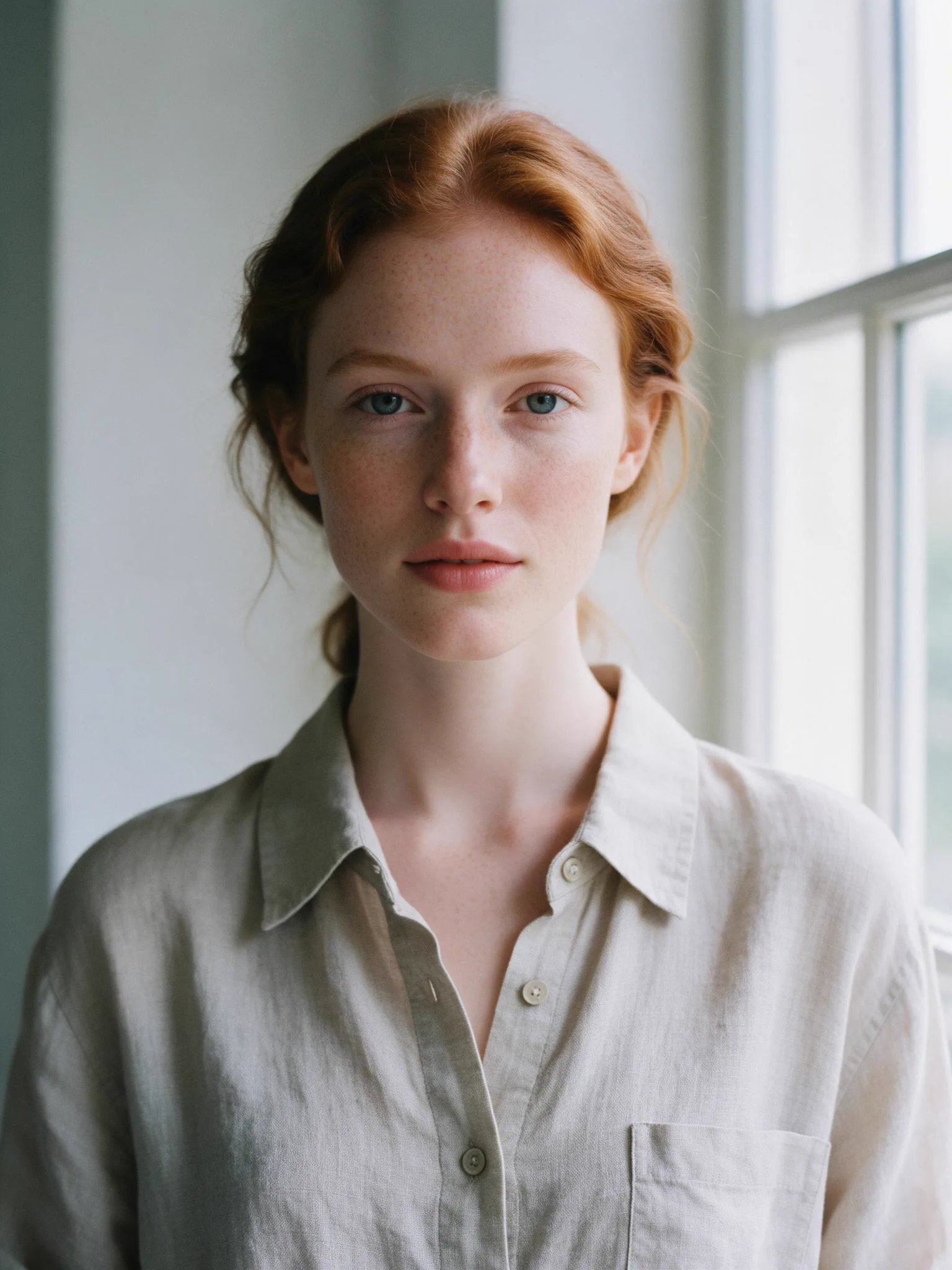
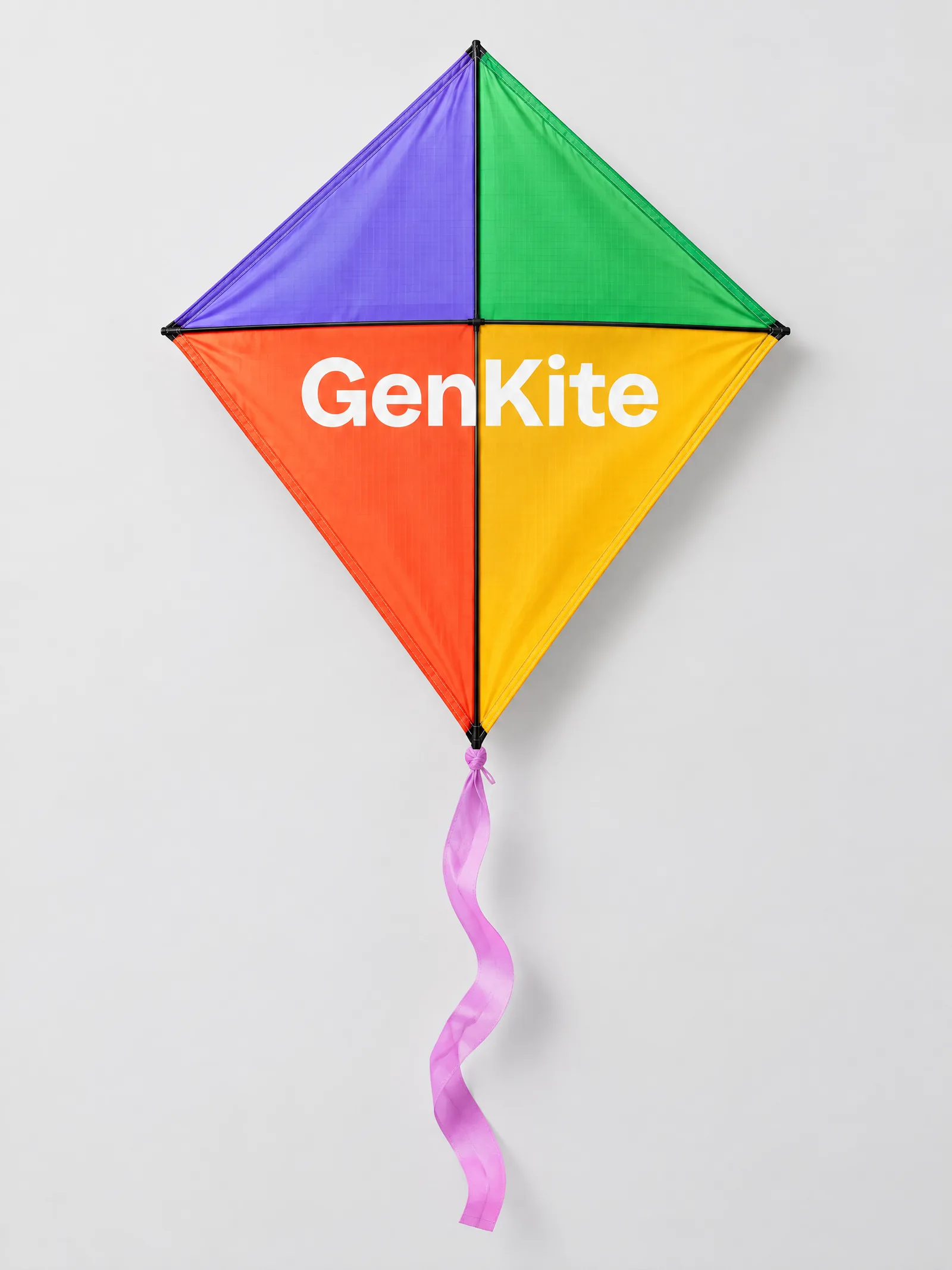
A portrait photo of a woman@photo1 A photo of a kite@photo2

The woman from @photo1 flies the kite from @photo2 on a clifftop at golden hour

Your result appears here

A real result, made from these two photos.

Improve

A rough idea is enough

Type a few words and tap Improve. The assistant turns them into a stronger prompt and shows what it added, so you can see why it should come out better and change anything you disagree with.

A short idea being rewritten as a full prompt

You stay in charge

Nothing is spent until you approve

Everything that costs credits waits on a card. It shows the whole prompt, every file and what it is used for, the model and the price.

  • Change the prompt, length, shape or sound on the card, and the price follows
  • Several at once: four versions, or one prompt on two models, on one card
  • A result that fails is refunded in credits

An approval card: the prompt, the settings and the price, with an Approve button

Results

Every result is a starting point

Results appear in the conversation. Open one full screen, download it, or use it as a reference for the next thing. The next steps for that kind of result are one tap away.

  • Animate a picture, upscale, extend a clip or add sound
  • Make another take, or change the prompt and go again

Films

A whole film, planned in the conversation

Ask for a film and the assistant plans a storyboard, shot by shot. Change any shot by talking. When you approve, the shots are filmed and cut together.

  • You see the whole storyboard before anything is filmed
  • A short idea with a few scenes becomes one clip that keeps everyone the same

A storyboard of three shots being planned and then filmed

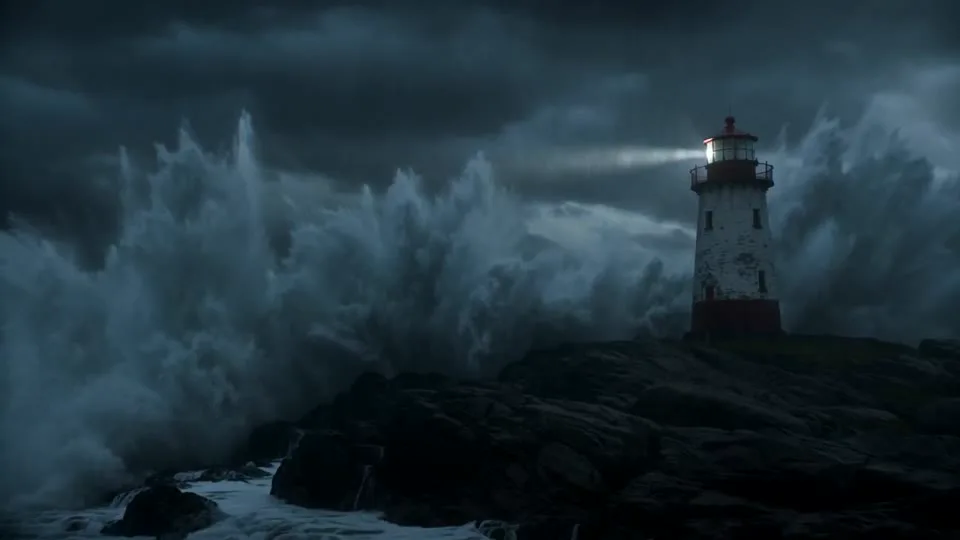
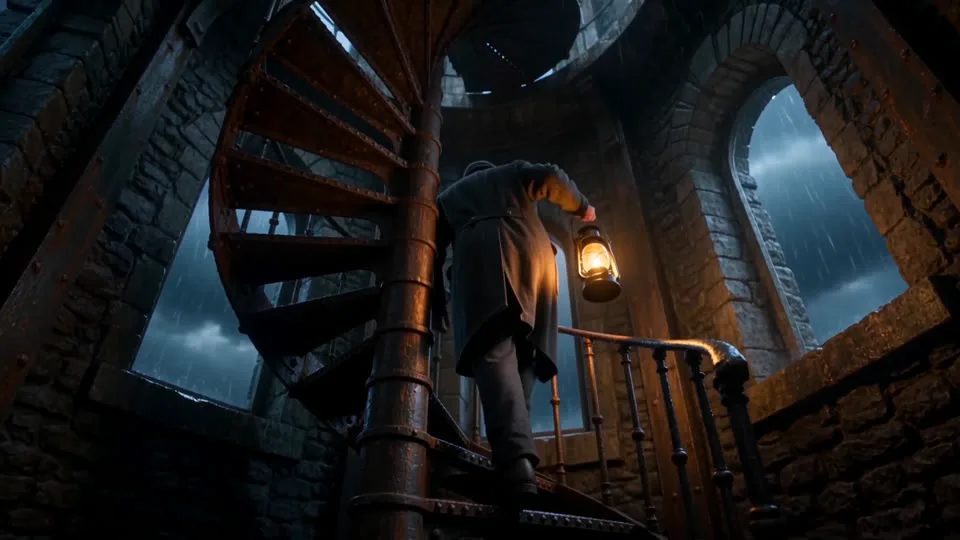
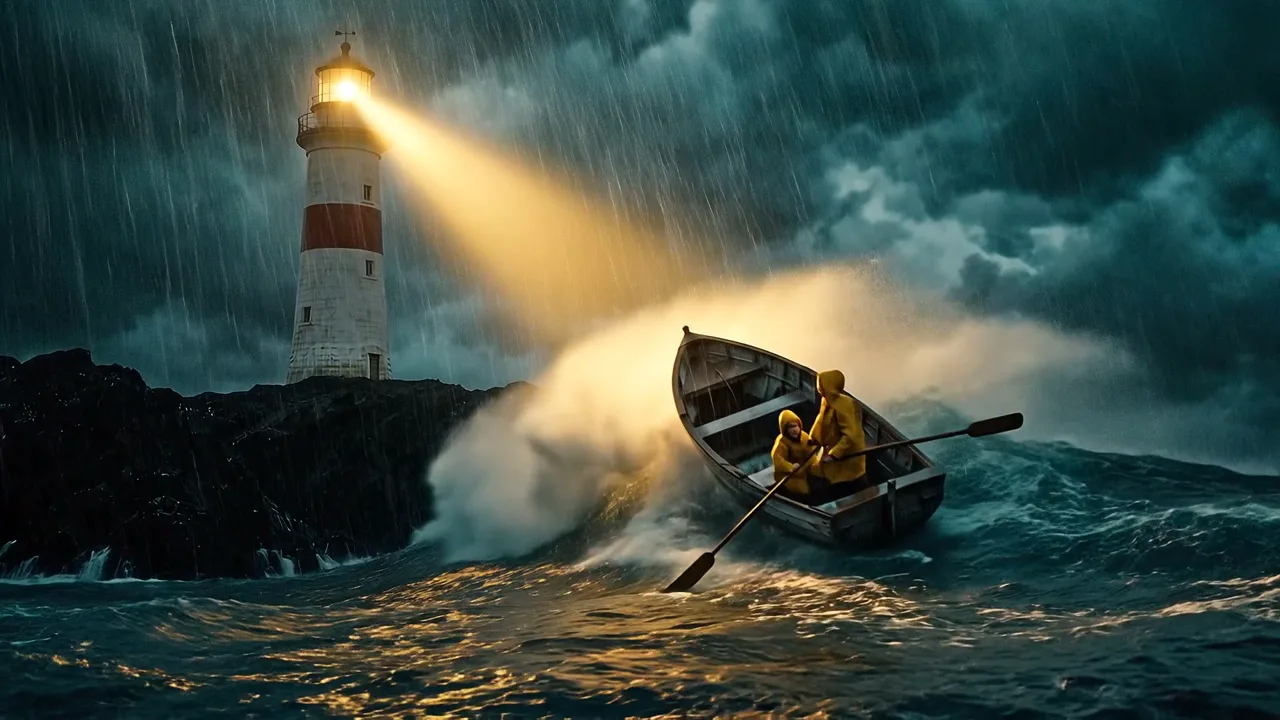
The Last Light: a short film made in GenKite. Press play to watch it with sound.

In your language

Write in your own language and the assistant replies in it.

Free to talk to

Free accounts get 15 messages a day with the assistant. Any plan or credit pack gives many more.

Refunded if it fails

If a result fails, its credits go back to your balance.

What an AI video assistant does

Most AI video sites give you a page of settings: choose a model, a mode, a length, a shape, then write a prompt in the style that model likes. An AI video assistant turns that round. You say what you want, in your own words, and it works out which tool and which model fit, asks for anything that is missing and sets the job up for you.

The GenKite assistant can use every tool in the studio. It makes videos from words or photos, pictures, voiceovers, music and sound effects. It edits what you already have: swap a person, sync lips to new words, upscale a clip or remove a background. It plans films shot by shot, builds ads, restores old photos and shoots products and characters. It replies in the language you write in.

An AI video agent that asks before it spends

People also call this an AI video agent, because it carries out the steps for you instead of only giving advice. In GenKite the agent never spends on its own. Every job that costs credits waits on a card that shows the whole prompt, every file and what it is used for, the model and the price. You can change the prompt, the length, the shape or the sound on the card, and nothing happens until you approve.

When a result arrives it stays in the conversation. Open it full screen, download it, use it as a reference for the next thing, or ask for the next step: animate a picture, upscale, extend a clip or add sound. If a result fails, its credits are refunded.

Getting good results from it

Say what the video is for and what should happen in it, and attach the photos of the people or products that must look right. Refer to a file by its short name, such as @photo1, to say exactly where it belongs. If you only have a rough idea, tap Improve and the assistant writes a fuller prompt and shows what it added.

Not sure which model to use? Ask for the same prompt on two models, or for four versions, and approve them together on one card. For anything longer than a single shot, ask for a film: the assistant plans a storyboard you can change by talking before anything is filmed.

Questions

What is an AI video assistant?

It is a conversation that makes things with you. You say what you want in your own words, and the GenKite assistant (some call it an AI video agent) picks the tool and the model, asks anything it needs and makes the video, picture or sound right there in the conversation.

Is the AI video assistant free to use?

Free accounts can send the assistant 15 messages a day, and any plan or credit pack gives many more. Credits are only spent on the results you approve. New accounts can start with 250 credits a month for $2.99.

Will it spend my credits without asking?

No. Everything that costs credits waits on a card showing the whole prompt, every file and what it is used for, the model and the price. Nothing is spent until you press Approve, and a result that fails is refunded in credits.

Which AI models can it use?

Every model in the studio, including Kling, Seedance, MiniMax, Wan, Grok Imagine, Nano Banana, Seedream, GPT Image and Flux. It recommends the one that fits your request and offers others with their prices, so you can choose with one tap.

Can it use my own photos, clips and voice?

Yes. Attach photos, clips and audio, paste them or drop them on the page, or pick from your earlier uploads, results and saved characters. Each gets a short name like @photo1, and the assistant uses them as references, start or end frames, or a voice to follow, keeping people and products the same.

Can it make a whole film?

Yes. Ask for a film and it plans a storyboard in the conversation. Change any shot by talking, then approve, and the shots are filmed and cut together. A short idea with a few scenes becomes one clip that keeps everyone looking the same.

Which languages does it understand?

Write in your own language. The assistant replies in the language you write in.

Also in GenKite

What shall we make?

Say it in your own words. The assistant takes it from there, and asks before it spends anything.